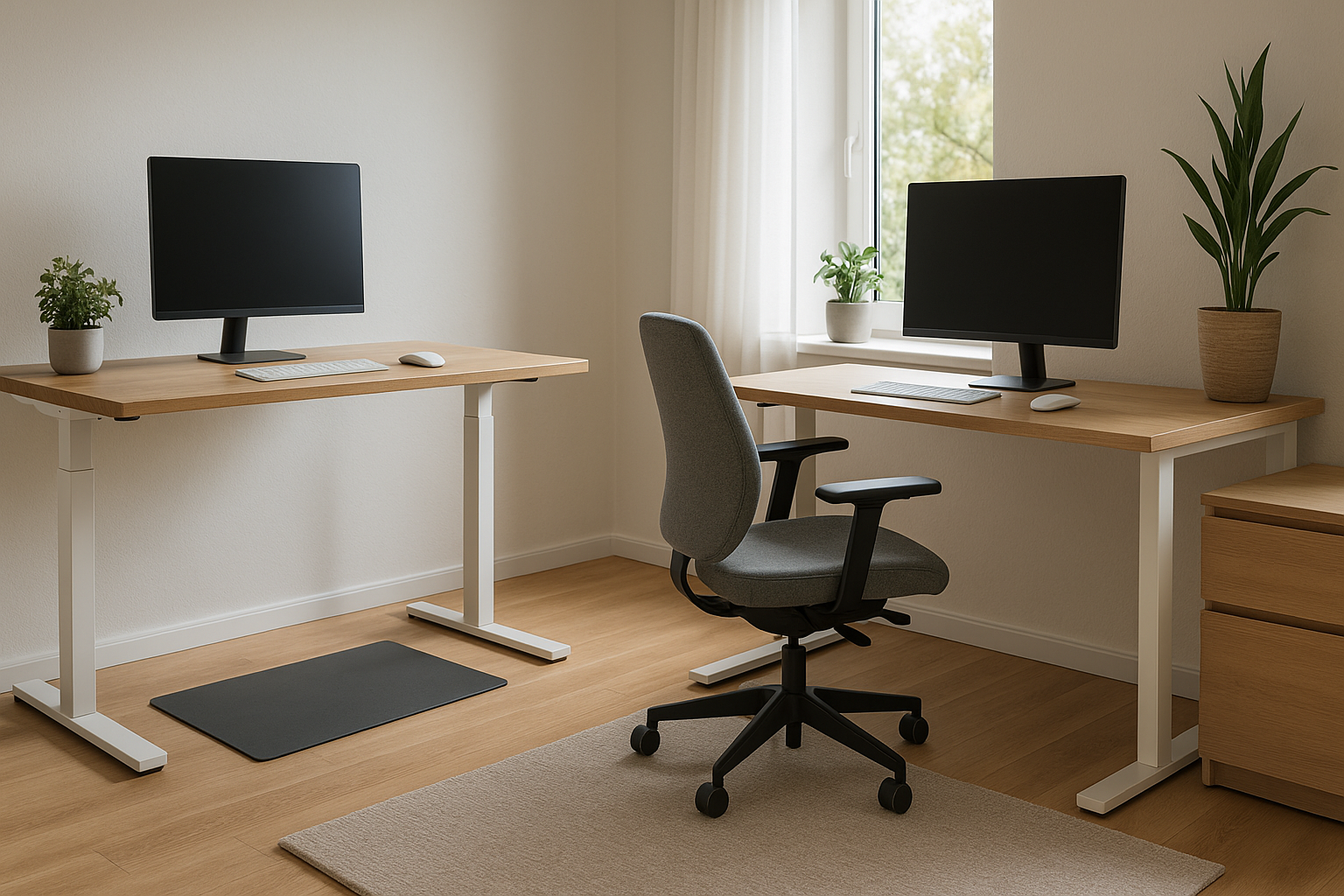
What Is the Difference Between a Standing Desk and a Sitting Desk?
A 2022 study found that office workers sit for an average of 9.7 hours per day — more time than they spend sleeping. The standing desk vs sitting desk debate isn't just about furniture preferences. It's about what happens to your body and brain when you do the same thing for nearly 10 hours without changing it.
A sitting desk is what most people picture: a fixed-height surface, typically 28–30 inches off the ground, designed for use while seated in a chair. Simple, cheap, and everywhere.
A standing desk lets you work while on your feet. The defining feature is adjustability — most modern versions raise and lower electronically or manually, so you're not locked into one position all day. Some are fixed-height standing desks, but those are less practical unless you've custom-built your workspace around your exact height.
The core difference isn't just the height. It's the ability to change positions throughout the day, and that movement (or lack of it) is where the real story starts.
Types of Standing Desks and Sitting Desks You Should Know About
Not all standing desks are built the same, and the category has more variety than most people realize.
Standing desk types: - Electric sit-stand desks — motorized legs that raise and lower at the push of a button. Best example: the Flexispot E7 (~$500) or the Uplift V2 (~$900–$1,200 depending on size and frame) - Manual crank desks — you turn a handle to adjust height. Slower, but cheaper. The Flexispot M2 sits around $200–$300 - Fixed-height standing desks — set at standing height only, no adjustment. Affordable but inflexible - Desktop converters — sit on top of an existing desk and raise a monitor/keyboard platform. The Ergotron WorkFit-T (~$170) is a solid entry-level option
Sitting desk types: - Standard writing desks — basic flat surfaces, no height adjustment, usually $100–$400 - Executive desks — larger, heavier, often with storage built in - L-shaped desks — more surface area, popular for dual-monitor or creative setups - Gaming desks — cable management, monitor mounts, often geared toward specific ergonomic habits
The sitting desk market is mature and saturated. The standing desk market has evolved fast in the last decade, with electric frames becoming genuinely reliable below $600.
Health Benefits and Risks of Standing Desks
Standing desk benefits get oversold sometimes, so let's be precise about what the evidence supports.
Real benefits include reduced sedentary time (obviously), slightly lower blood glucose levels after meals, and modest improvements in lower back pain for people who were previously sitting all day. A widely cited study from the British Journal of Sports Medicine found that standing for two hours during an 8-hour workday cut sedentary time by about 54 minutes per day — which adds up.
Standing also engages postural muscles that go completely dormant when you sit. Over time, that matters.
But standing isn't a health miracle. The risks are real too:
- Varicose veins — prolonged standing increases venous pressure in the legs
- Foot and ankle pain — especially on hard floors without anti-fatigue mats
- Knee and hip stress — standing in place is not the same as walking; static standing has its own problems
- Lower back fatigue — yes, standing can cause the same type of lower back pain that sitting does, just in different muscles
The key phrase here is prolonged standing. The same way sitting all day is bad, standing all day is bad. The benefit comes from alternating.
Health Benefits and Risks of Sitting Desks
Sitting desks have been unfairly painted as purely villainous. The truth is more nuanced.
For tasks requiring fine motor control — detailed drawing, precise typing, intricate design work — sitting is genuinely more stable and comfortable. Your body isn't managing balance when seated, so more cognitive and physical resources go toward the task itself.
The well-documented risks come from sedentary behavior over long periods: - Increased risk of cardiovascular disease with 8+ hours of daily sitting - Hip flexor tightening that leads to postural problems - Reduced calorie burn and associated metabolic effects - Compressed spinal discs from sustained lumbar loading
A 2015 meta-analysis in the Annals of Internal Medicine got a lot of press for concluding that "sitting is the new smoking." That comparison is overblown — smoking kills you far more efficiently — but the underlying concern about chronic sedentary behavior is legitimate.
The takeaway: a sitting desk isn't inherently dangerous. Sitting without movement breaks is.
What the Research Actually Says About Productivity at Your Desk
Standing desk productivity research is mixed, and anyone telling you it definitively improves output is cherry-picking.
A Texas A&M study followed call center employees for six months and found that standing desk users were 45% more productive than seated workers. That number circulates constantly. What people leave out: the study was funded by a standing desk manufacturer, measured call completions (a narrow output metric), and involved workers who were previously using very old, uncomfortable furniture.
More balanced research shows smaller effects. A 2020 review in Applied Ergonomics found no significant improvement in cognitive performance between standing and sitting groups. Executive function, memory, and processing speed showed no measurable difference.
What does seem to matter is breaking up sedentary time. Workers who alternated positions every 30–60 minutes reported higher energy and lower afternoon fatigue compared to those who stayed in one position all day — regardless of whether that position was sitting or standing.
So the honest answer to "does standing desk help focus" is: probably not by itself, but reducing sedentary monotony does.
Posture, Ergonomics, and Long-Term Body Impact
Neither a standing desk nor a sitting desk helps your posture if it's set up wrong. Most home office setups are configured poorly regardless of desk type.
For a sitting desk, monitor height should place the top of the screen at or slightly below eye level. Chair height should allow feet flat on the floor with thighs roughly parallel to it. The Steelcase Leap V2 (~$1,400) or Herman Miller Aeron (~$1,500) solve a lot of posture problems that cheap chairs create, but at a price.
For a standing desk, the monitor should be at the same eye-level position. Elbows should be at roughly 90 degrees when typing. An anti-fatigue mat — the Topo by Ergodriven (~$100) is the go-to recommendation — makes a genuine difference for anyone standing more than 90 minutes per session.
The long-term body impact comes down to variety. Muscles and joints need to move through different positions across the day. No single desk position, held for hours on end, is good for your body.
Energy Levels, Focus, and Mental Performance Throughout the Day
This is where the subjective experience diverges from the clinical data.
Most people who switch to a sit-stand desk report an afternoon energy improvement within the first few weeks. That post-lunch dip in focus — familiar to almost every desk worker — feels less severe when they stand for 20–30 minutes rather than slouching deeper into a chair.
The mechanism isn't mysterious. Upright posture slightly increases heart rate and alertness. Standing after eating reduces the glucose spike that contributes to the early-afternoon fog. Neither effect is dramatic, but both are real.
For deep focus work — writing, coding, analysis — many people find sitting actually better, particularly for tasks requiring sustained concentration over 60+ minutes. Standing tends to work well for calls, emails, reviewing documents, or tasks that benefit from slightly elevated energy.
Cost Comparison: Standing Desk vs Sitting Desk
Sitting desks win on price. Full stop.
A decent sitting desk — something like the Ikea Linnmon setup (~$50–$80) or the Sauder North Avenue Desk (~$130) — handles basic work needs without drama. Even quality options like the UPLIFT Solid Wood Desk (fixed height) come in under $500.
Standing desks cost more because of the mechanism. Entry-level electric sit-stand desks start around $350–$500 for reliable options (Flexispot E7, Vivo Electric). Mid-range desks like the Uplift V2 or Autonomous SmartDesk Pro run $600–$1,000. Premium options from Humanscale or Knoll go well above $2,000.
Manual converters offer a middle path. The Flexispot M7B desktop riser (~$150–$200) turns any existing desk into a sit-stand setup without replacing the whole thing.
If budget is tight, a converter on top of an existing desk is the most sensible starting point before committing to a full electric frame.
Space, Setup, and Aesthetic Considerations for Your Workspace
Sit-stand desks with electric frames are heavier (often 70–100 lbs for the frame alone) and require access to an outlet. If your office has cable management challenges, adding a motorized desk complicates them.
Aesthetically, standing desk frames are industrial by default — metal legs, utilitarian look. Companies like Uplift and Fully (the Jarvis desk) offer wood grain tops and color frame options that look cleaner. But they're not going to match a solid mahogany executive desk for visual weight and presence.
For smaller spaces, L-shaped sit-stand desks exist but they're expensive and bulky. Corner desks in general are more awkward to raise and lower ergonomically.
Standard sitting desks offer more aesthetic variety and integrate more naturally into home office spaces that double as living areas.
The Case for a Sit-Stand Desk: Getting the Best of Both Worlds
The sit stand desk benefits aren't about standing. They're about not being stuck.
A quality electric desk lets you sit when you need to focus deeply, stand when you're on a call or reviewing, and switch without interrupting your workflow. Most people who use them consistently settle into a rhythm — sit in the morning, stand mid-morning, sit after lunch, stand mid-afternoon. That rhythm alone reduces the cumulative physical stress of a 9-hour workday.
If you're going to spend money on one piece of office furniture this year, a mid-range electric sit-stand desk is the most versatile choice. The Flexispot E7 at ~$500 with a solid desktop is the best value in the category right now.
Which Desk Is Right for Your Work Style, Job Type, and Health Goals?
Choose a sitting desk if: - You're on a tight budget - You do precision work requiring physical stability - You already take regular movement breaks (walks, gym, etc.) - You have a history of varicose veins or joint problems worsened by standing
Choose a standing or sit-stand desk if: - You sit for 7+ hours daily with few natural breaks - You experience afternoon energy crashes regularly - You have chronic lower back pain from prolonged sitting - You can budget $400–$600 for a quality setup
Consider a desktop converter if: - You want to test sit-stand working before committing - Your existing desk is good quality and you don't want to replace it
Tips for Transitioning to a New Desk Setup Without Hurting Yourself
Start slow. Seriously. Most people who get a standing desk hurt their lower back or feet within the first week by standing for four hours on day one.
- Week 1–2: Stand for no more than 20–30 minutes at a time, 2–3 times per day
- Buy an anti-fatigue mat immediately — don't wait to see if you need it. You need it.
- Set a timer. Without reminders, most people forget to switch positions. The Pomodoro timer (25-minute intervals) works well here.
- Check your monitor height every time you adjust — the transition between heights is where ergonomic mistakes happen
- Wear supportive shoes or go barefoot — dress shoes on a standing mat are worse than nothing
- Give it 4–6 weeks before judging — the first two weeks are an adjustment period, not representative of the actual experience
If you experience new knee or ankle pain after starting to stand, back off immediately and check your mat, shoe support, and how long you're standing per session. Most problems are setup issues, not standing desk problems.
The single best next step: measure the distance from your floor to your elbow while standing. That's your ideal desk height. Build everything else from there.